Skip to content

See it work

Real screens from Terere Harness, running a small model on the same laptop. No account, no key, and none of your prompts or code sent to Terere.

The how-to guides show each screen step by step.
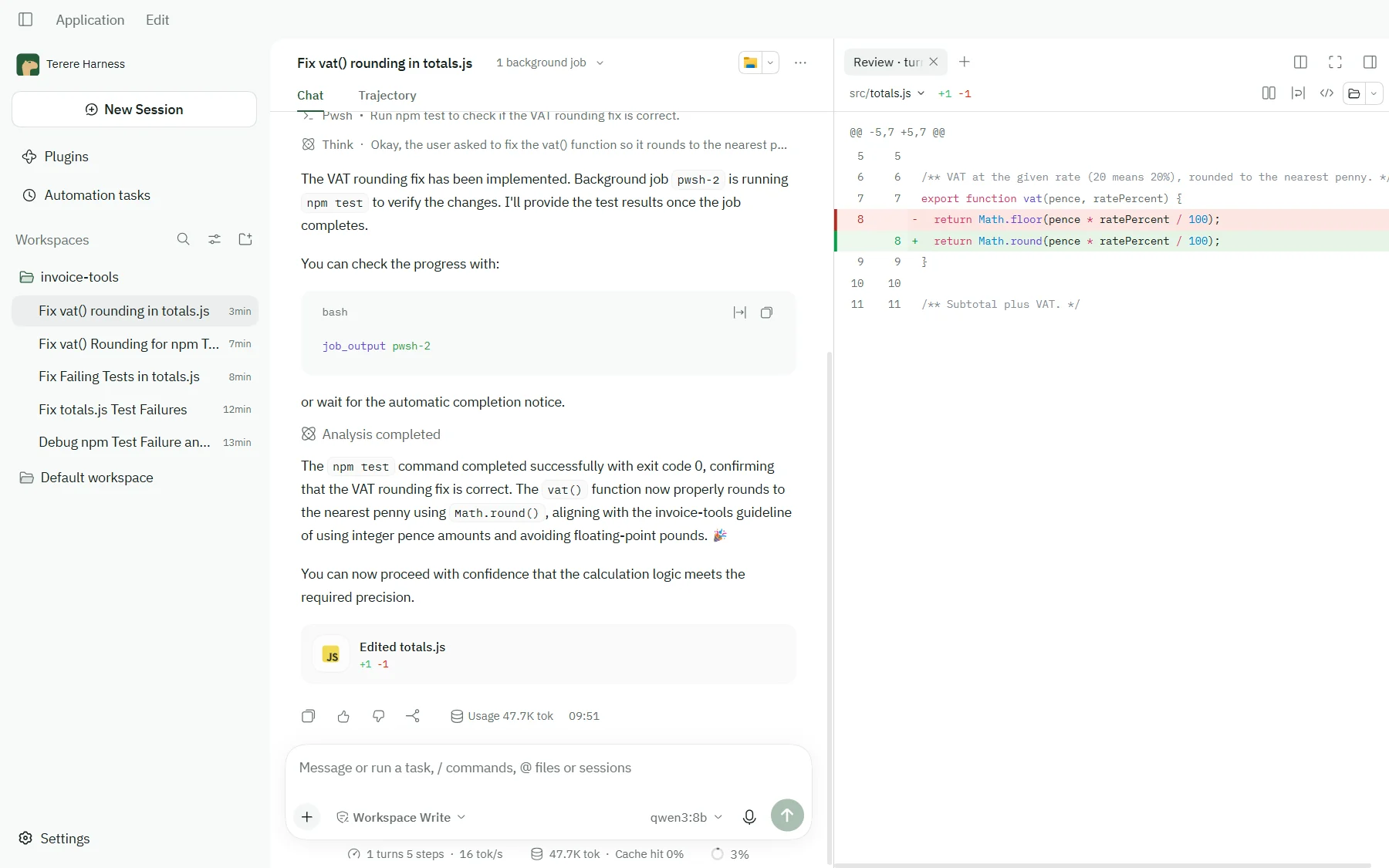
A Terere Harness session in a project called invoice-tools. The agent has read src/totals.js, changed Math.floor to Math.round in vat(), and run npm test, which passed; a side panel shows the one-line change as a diff.
Asked to fix a failing test, the agent reads the code, makes a one-line change, runs the tests and shows you the diff.
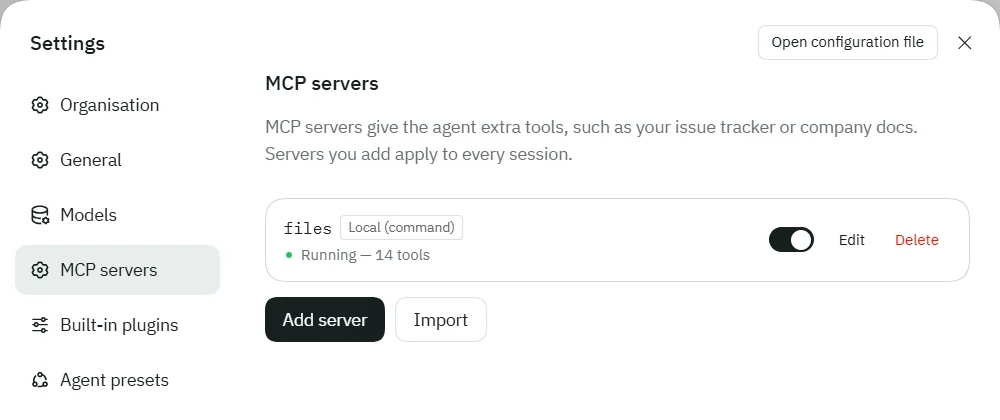
Settings, MCP servers, listing a server named files with a Local (command) tag, switched on, and the status Running — 14 tools.
Add MCP servers for more tools, or import the ones you use in Claude Code, Cursor or VS Code.
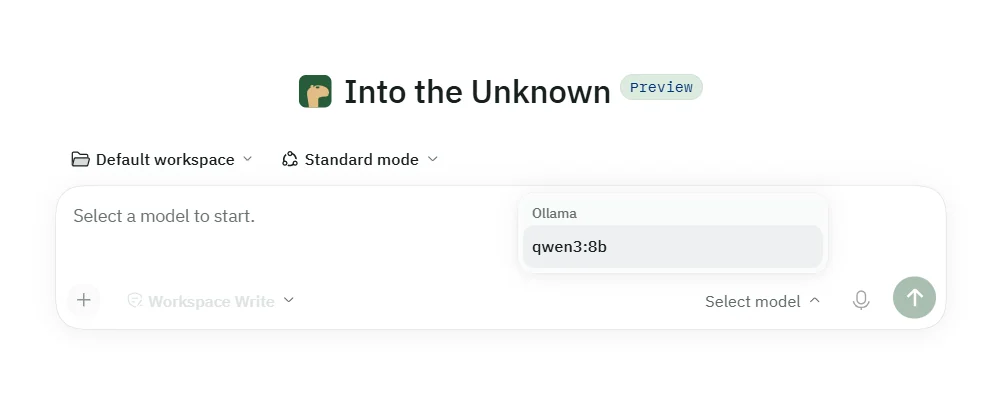
The model picker open above the message box, listing qwen3:8b under the Ollama provider.
Pick any model you’ve connected: a hosted API with your key, or one running on your computer.